
How a Restaurant Owner Got Online Over a Weekend
Maria Gonzalez stared at her phone Friday evening, watching a $1,200 catering opportunity slip away through Instagram DMs. The corporate client wanted to sha...
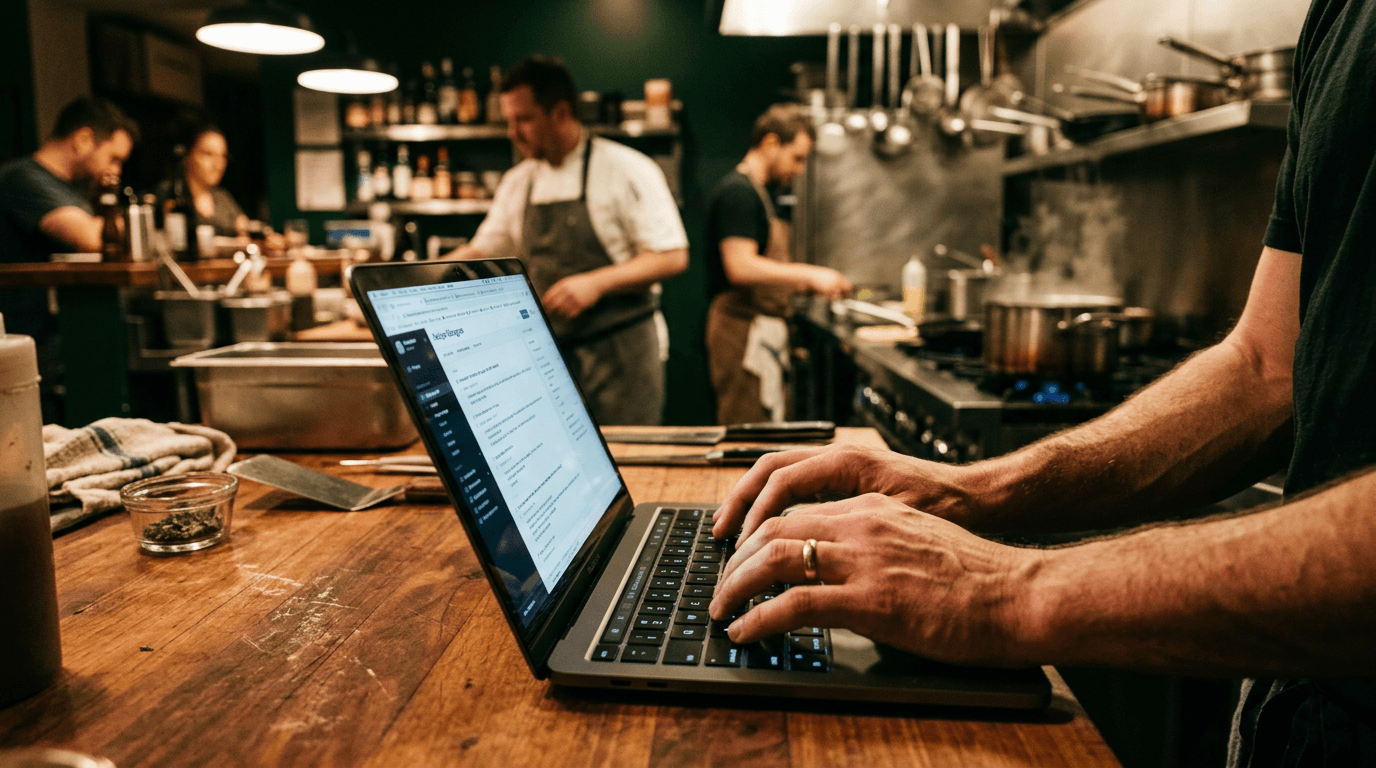
Maria Gonzalez stared at her phone Friday evening, watching a $1,200 catering opportunity slip away through Instagram DMs. The corporate client wanted to share her restaurant's website with their office team before booking. She didn't have one.
"Can you send me your site so I can forward the menu to everyone?" they'd asked. Maria typed and deleted three different responses before settling on silence. By Monday, they'd booked with her competitor down the street.
That hurt. But it also clarified something she'd been avoiding for 14 months: her Mexican restaurant in suburban Phoenix needed more than word-of-mouth and Instagram posts. 77% of diners check a restaurant's website before visiting, and over half leave if they can't find an accessible menu on mobile. No website meant losing money every single day.
Maria decided Friday night that she'd have a working site by Monday morning. Here's exactly what happened during those 48 hours—and why any restaurant owner can replicate this timeline with the right website builder for restaurant operations.
She had a restaurant. She didn't have a website. That changed in 48 hours
La Cocina Auténtica had been Maria's dream for three years before she finally opened in January 2025. Located in a growing Phoenix suburb, the 32-seat restaurant built its reputation on handmade tortillas and family recipes her grandmother brought from Oaxaca.
Business was steady. Lunch rush packed the place Tuesday through Friday. Weekend dinner service consistently filled 80% of tables.
But Maria was leaving money on the table in ways that weren't obvious until that catering inquiry forced her to confront them. Third-party delivery apps were taking 25% of every order. Potential customers called asking about hours and menu items she'd already posted on Instagram—they just couldn't find the information easily. The corporate catering market, worth potentially $15,000 annually for a restaurant her size, remained completely untapped because she lacked the professional web presence those clients expected.
Friday night, scrolling through her competitor's polished website while her own restaurant sat invisible online, Maria committed to a weekend sprint. She'd figure out how to build a restaurant website fast, or she'd hire someone Monday morning and eat the cost.
She chose the DIY route. Here's the hour-by-hour breakdown.
Friday night — Getting the foundation ready (2 hours)
Picking a website builder for restaurant operations
Maria needed speed over perfection. She had two days, minimal technical skills, and a specific set of restaurant requirements: mobile-friendly menus, online ordering, reservation booking, and local SEO capability.
After 45 minutes researching the best website builder for restaurant needs, she narrowed it down to four options:
| Builder | Monthly Cost | Built-in Ordering | Best For | |---------|--------------|-------------------|----------| | Wix | $17/month | Yes (0% commission) | All-in-one restaurant sites | | Squarespace | $23/month | Third-party integration | Design-focused restaurants | | GloriaFood | Free/$9/month | Yes (core feature) | Ordering-first operations | | Appy Pie | $12/month | Yes | Budget-conscious owners |
Maria chose Wix for three reasons: the AI site generator promised a working skeleton in under 10 minutes, the restaurant plan included commission-free online ordering, and she could start building on the free tier before upgrading.
This wasn't about finding the universally "best" platform. It was about the fastest path for a non-technical restaurant owner with a weekend deadline.
Gathering what she already had
Before touching any website builder, Maria spent 45 minutes collecting everything she'd need:
Her existing menu (currently a PDF that looked great printed but was miserable on phones). Twelve decent food photos from her iPhone—not professional shots, but clear images showing actual dishes. Her logo file, which the signage company had delivered as a high-resolution PNG. Business basics: address, phone number, hours, and a two-paragraph story about the restaurant she'd written in her Notes app months earlier.
The key insight: you don't need professional photography or polished copy to start. You need what you already have. Perfection is the enemy of done, and done meant being findable by Monday morning.
Registering a domain
Maria registered lacocinautentica.com for $15 through Wix's domain registration. Simple. Direct. No hyphens, no clever wordplay that would confuse customers trying to type it on their phones.
The SSL certificate connected automatically. In 2026, that's table stakes—Google penalizes unsecured sites, and customers abandon checkout flows that show security warnings.
Saturday morning — Building the site (3 hours)
Using AI to generate a starting point
Modern restaurant website builders lean heavily on AI to eliminate the blank-page problem. Maria used Wix ADI (Artificial Design Intelligence), answering prompts about her cuisine type, restaurant atmosphere, and required features.
"Mexican restaurant, casual family dining, need online ordering and reservations."
Eight minutes later, she had a working skeleton: navigation structure, color scheme matching her logo, placeholder content in restaurant-appropriate layouts, and functional contact forms. The AI handled layout decisions, typography pairings, and mobile responsiveness automatically.
2026 reality: AI-powered builders do 80% of the design work. Restaurant owners handle the 20% that makes it theirs.
Setting up the core pages
Maria built four essential pages, starting with mobile layout and scaling up:
Home page: Hero image (her best taco shot), one-line description ("Authentic Oaxacan flavors made fresh daily"), three prominent buttons—View Menu, Order Online, Find Us.
Menu page: This required ditching the PDF entirely. Maria built a native digital menu organized by categories (Tacos, Burritos, Enchiladas, Sides, Beverages) with prices, brief descriptions, and dietary indicators (V for vegetarian, GF for gluten-free). She added photos for her five most popular dishes.
Why this mattered: PDF menus are invisible to Google search and terrible on phones. Native digital menus get indexed, work on any screen size, and can be updated instantly when prices change.
About page: Her Notes app paragraph, lightly edited, plus a photo of her in the kitchen. Personal connection matters for local restaurants.
Contact page: Address with embedded Google Map, click-to-call phone number, hours formatted clearly, and a simple contact form for catering inquiries.
The online ordering functionality integrated directly through Wix Restaurants—commission-free orders that kept the full margin instead of paying 25% to delivery apps.
Choosing a template and making it hers
Maria started with Wix's "Authentic Eatery" template, designed specifically for restaurants. She changed the color palette to match her logo (warm terracotta and deep green), swapped placeholder images for her own photos, and adjusted the navigation to match her content structure.
Total time spent on design decisions: 45 minutes. Not 45 hours.
Templates aren't generic constraints—they're starting lines that handle the complex layout work while you focus on content and customization.
Saturday afternoon — The details that actually matter (2 hours)
Mobile testing before anything else
Maria pulled up the site on her iPhone 14. Then her partner's Android. Then her server's older Samsung Galaxy.
The menu section overflowed on smaller screens, cutting off prices. The "Order Online" button was too small to tap comfortably. The contact form fields were cramped.
She fixed each issue immediately. Most restaurant customers find websites on their phones while deciding where to eat. If it doesn't work on mobile, it doesn't work period.
Setting up online ordering and reservations
The ordering system required connecting each menu item, configuring pickup and delivery zones (3-mile radius), and linking payment processing through Stripe. Maria set minimum delivery orders ($25) and pickup lead times (15 minutes for most items, 25 for large orders).
The reservation system integrated seamlessly—customers could book tables without calling. No per-cover fees like OpenTable charges smaller restaurants.
From "I want online ordering" to "it actually works": 42 minutes.
Local SEO — The step most restaurant owners skip
Maria connected the website to her existing Google Business Profile, ensuring consistent NAP (Name, Address, Phone) information across all platforms. Wix automatically added restaurant-specific structured data, helping Google understand her business type, location, and hours.
She verified that her address, phone number, and hours matched exactly between the website, Google Business Profile, and Yelp listing. Inconsistencies confuse search engines and hurt local rankings.
Local search drives restaurant discovery. A website without local SEO is a billboard in a basement.
Sunday morning — Polish, test, go live (2 hours)
Accessibility and compliance check
Maria ran Wix's built-in accessibility scanner and added alt text to all images. She ensured sufficient color contrast between text and backgrounds and checked that the site worked with keyboard navigation.
ADA compliance protects restaurants legally and ensures the site works for customers with disabilities. It's not optional.
Speed and performance check
She tested page load speed using Google PageSpeed Insights. Two oversized photos were slowing things down—she compressed them through Wix's built-in image optimizer.
Speed matters for hungry customers. If your site takes five seconds to load while your competitor's loads in two, you lose the order.
The final review
Maria read every page aloud, catching a typo in the hours section and a wrong price on the burrito menu. She had two friends visit the site cold and try to place orders. Both succeeded without asking questions.
She clicked "Publish" at 11:47 AM Sunday.
Sunday afternoon — It's live. Now what?
Sharing the new site
Maria updated her Instagram bio link immediately. Posted a Story announcing the website launch. Texted the URL to her regular customers. Added the website address to her Google Business Profile.
The catering client from Friday's DMs? She messaged them the link. They booked a $1,200 lunch order for the following week.
What happened in the first 30 days
The numbers told the story:
- 340 unique visitors in month one, mostly from Google searches and Instagram traffic
- 47 online orders in the first two weeks—revenue she hadn't been capturing before
- Three new catering inquiries through the contact form
- The website paid for itself before the first monthly bill arrived
More importantly, Maria stopped losing customers who expected basic information online. Phone calls shifted from "What are your hours?" to "I'd like to make a reservation."
What Maria would do differently
Honesty builds trust: if she started over, Maria would take better food photos upfront. Phone photos worked, but intentional shots with natural lighting would've been stronger.
She'd set up Google Analytics from day one instead of adding it in week two. The early traffic data would've been useful for understanding customer behavior.
She'd include a simple email signup form for customers wanting notifications about specials and events. Building a direct communication channel matters for restaurants.
But the core approach—AI-generated foundation, mobile-first testing, focus on essential pages—she'd repeat exactly.
The real cost breakdown
The actual numbers, with no hidden fees:
- Domain registration: $15/year
- Wix Restaurant plan: $17/month ($204 annually)
- Total first-year cost: $219
What Maria didn't pay for: a developer ($2,000-$5,000), a designer (additional $1,000-$3,000), a six-week timeline, or ongoing monthly retainer fees.
Professional restaurant website development typically costs $3,000-$8,000 and takes 6-10 weeks. Maria spent $219 and 48 hours.
The commission-free online ordering alone saved her $300+ monthly compared to third-party delivery app fees. The website became profitable before she finished her first month.
Could you do this over a weekend? Yes. Here's the quick version
Seven steps, proven timeline:
- Gather your information (menu, photos, logo, hours, restaurant story) — Friday, 45 minutes
- Choose a restaurant website builder and register your domain — Friday, 30 minutes
- Generate a site foundation using AI or restaurant-specific template — Saturday, 15 minutes
- Build core pages (Home, Menu, About, Contact, Online Ordering) — Saturday, 2 hours
- Test on mobile devices and fix problems — Saturday, 30 minutes
- Configure local SEO and Google Business Profile integration — Saturday, 30 minutes
- Polish content, run final tests, and publish — Sunday, 2 hours
Total hands-on time: 7-8 hours across two days.
Maria did this while running a restaurant during lunch and dinner service. You can too.
Frequently asked questions
How much does a restaurant website cost? $0-$30/month with most builders, plus ~$15/year for a domain. Total annual cost ranges from $200-$360, compared to $2,000-$5,000+ for custom development.
Do I need online ordering on my restaurant website? Yes, if you want to stop giving 15-30% commission to third-party delivery apps. Direct ordering through your site keeps the full margin.
Can I build a restaurant website without coding? Absolutely. AI-powered website builders generate working sites from simple prompts in minutes, not weeks.
What's the best website builder for restaurants in 2026? Wix for all-in-one functionality, Squarespace for design-focused establishments, GloriaFood for ordering-first operations. Choose based on your primary need.
Should I use a PDF for my restaurant menu? No. PDFs don't work well on mobile and search engines can't index them. Use native digital menus that customers can actually read and Google can find.
Ready to get your restaurant online this weekend?
The tools exist. The process is proven. The only question is whether you'll let another catering opportunity slip away because you don't have a website to share.
Start Friday night. Be live by Sunday. Your customers—and your revenue—are waiting.


