How to Find Businesses That Desperately Need a New Website (And Prove the ROI)
Everyone tells you to hunt for businesses without websites. Here's what they're missing: the real goldmine isn't the 27% of businesses with no web presence a...
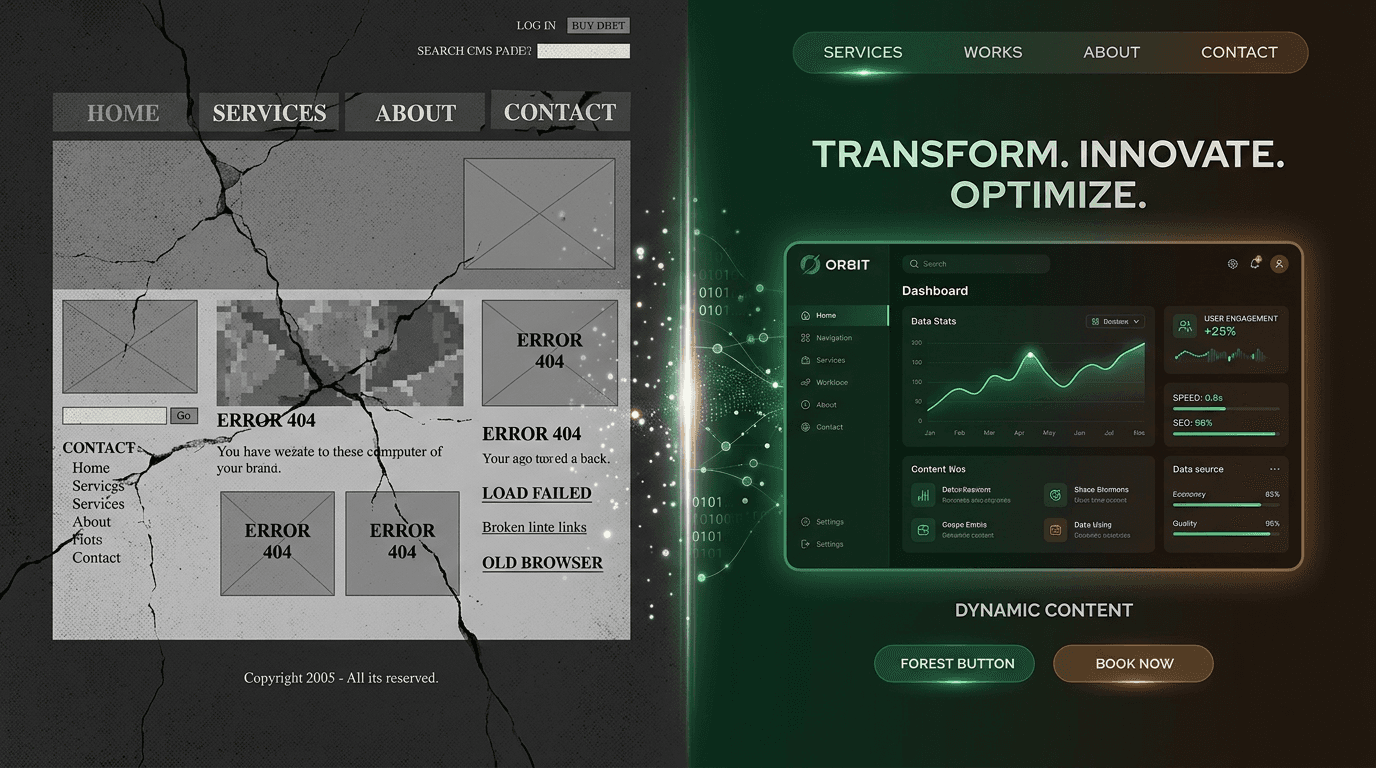
Everyone tells you to hunt for businesses without websites. Here's what they're missing: the real goldmine isn't the 27% of businesses with no web presence at all.
It's the massive percentage that already have a website — one that's silently bleeding revenue every day.
Whether you're a web designer tired of cold pitching into the void or a business owner with a nagging suspicion your site is costing you money, you need a systematic way to identify websites that are actively destroying value. Not "looks a bit dated" websites. Not "could use a refresh" websites. Websites that are emergency-level broken.
This guide gives you a repeatable 5-minute audit system to spot the businesses that desperately need help — and the financial framework to prove it. Because good web design isn't about aesthetics. It's about money.
Why businesses with bad websites convert better than businesses with no websites
Here's the counterintuitive truth: businesses with terrible websites are easier to convert than businesses with no website at all.
The stats tell the story. Of the 27% of small businesses without any website, 35% say they're "too small" to need one, and another 27% claim it's "not relevant" to their industry. These aren't warm prospects — they're actively resistant to the entire concept.
But businesses with existing websites? They've already crossed the belief bridge. They understand they need a web presence. They've invested once, which means they'll invest again when you show them their current site is costing them customers.
The timing couldn't be better. 40% of small and medium businesses reported traffic drops in 2025 due to algorithm shifts. These business owners are feeling the pain right now. They're watching their phone ring less, their contact forms gather dust, their competitors show up first in search results.
When you walk into that conversation, you're not selling something new. You're fixing something broken. That's an infinitely easier pitch.
The 10 dead giveaways a business desperately needs a new website
1. The site isn't mobile-responsive
58-61% of all web traffic comes from mobile devices, and 15% of U.S. adults only access the internet through smartphones. When someone lands on a non-responsive site on mobile, they don't just bounce — they run.
Non-responsive sites lose 88.5% of mobile visitors due to impossible navigation and brutal load times. Google's mobile-first indexing means these sites also tank in search rankings.
The check: Open the site on your phone. If you have to pinch and zoom to read the text or the navigation menu is unusable, it fails.
2. Pages take more than 3 seconds to load
The average desktop site loads in 10.3 seconds. The average mobile site? 27.3 seconds. Both numbers are catastrophically slow.
42% of users abandon a site due to poor functionality, and slow loading is the biggest culprit. Every extra second of load time can reduce conversions by 7%. For a business doing $100K annually online, that's $7,000 per second of delay.
The check: Run the homepage through Google PageSpeed Insights. A score below 50 is a red flag. Below 30 is an emergency that's costing serious money.
3. No clear call to action on the homepage
70% of small business websites lack a clear call to action on their homepage. Meanwhile, 86% of visitors expect to immediately understand what a business does and how to take the next step.
This disconnect is revenue poison. Imagine someone walking into a store where no employee greets them, there are no signs, and the checkout counter is hidden in the back. That's what these homepages feel like.
The check: Land on the homepage with fresh eyes. Within 5 seconds, can you tell what the business does and what action they want you to take? If you're confused, so are their potential customers.
4. The design looks like it's from 2015 (or earlier)
Flash elements that no longer work. Body text so small you need reading glasses. Rotating image sliders that nobody clicks. Cluttered sidebars packed with widgets. That unmistakable "under construction" energy even though the site is supposedly live.
83% of users prefer attractive, up-to-date design, and outdated aesthetics destroy trust before anyone reads a single word.
The check: Pull up the Wayback Machine and see when the site last meaningfully changed. If it looks identical to 5 years ago, the business is leaving money on the table every day.
5. No SSL certificate (HTTP instead of HTTPS)
Google Chrome has marked HTTP sites as "Not Secure" since 2018. It's been a ranking factor since 2014. In 2026, having no SSL certificate is like hanging a sign that says "Don't trust us with your information."
The damage goes beyond the warning message. Payment processors won't work. Contact forms feel sketchy. The site screams "amateur hour" to anyone who notices.
The check: Look at the URL bar. A padlock icon means they have SSL. A "Not Secure" warning means they're hemorrhaging credibility with every visitor.
6. Broken links, missing images, or error pages
One in five small business websites have broken links or errors. Dead links signal neglect. Missing images look unprofessional. Error pages suggest the business might not even be operating anymore.
If they can't maintain their website, what does that say about how they'll handle your project or service?
The check: Click through 5-10 internal links. Try the contact forms. Look for broken images or placeholder text.
7. Zero local SEO signals
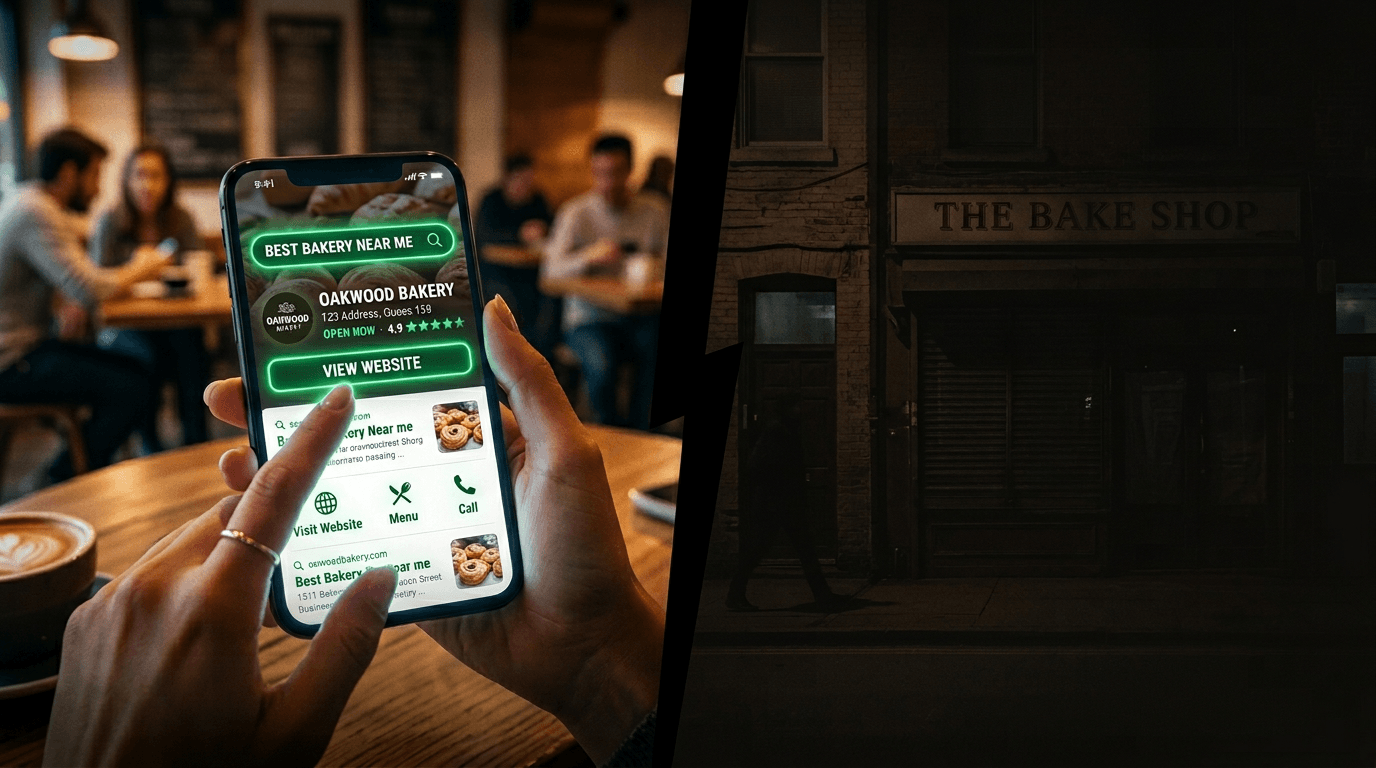
46% of Google searches have local intent, and 28% of local searches convert to purchases. Businesses invisible in local search are missing their most qualified traffic.
The warning signs: no Google Business Profile connection, inconsistent business name/address/phone across pages, no location-specific pages, no schema markup telling Google where they operate.
The check: Google the business name plus their city. If they don't appear in the local map pack, or if their website doesn't clearly state their location and service areas, they're invisible to nearby customers.
8. No analytics, no tracking, no idea what's working
43% of small businesses plan website speed improvements but have no baseline data to measure progress. They're flying blind, making decisions based on gut feelings instead of user behavior.
No Google Analytics. No conversion tracking. No heat mapping. No A/B testing. They have no clue which pages drive leads, where visitors drop off, or what marketing channels actually work.
The check: View the page source and search for "gtag" or "analytics." If nothing shows up, they have no data infrastructure.
9. The site is built on a dead or outdated platform
Flash died in 2020, but some sites still try to load Flash elements. WordPress sites running themes that haven't been updated in years. Joomla installations with security vulnerabilities. Custom CMSs built by developers who disappeared.
These aren't just aesthetic problems — they're security risks that could take the entire site offline.
The check: Use BuiltWith to identify the platform and last update dates. If the CMS or critical plugins haven't been updated in 2+ years, the site is a ticking time bomb.
10. The content hasn't changed in over a year
Copyright footer stuck on "© 2022." Blog section where the most recent post is from early 2023. Pricing pages that reference "pandemic pricing" or other outdated terms. Staff pages featuring employees who left months ago.
Stale content tells Google the site isn't actively maintained, which hurts search rankings. It tells visitors the business might not even be open anymore.
The check: Scan the footer copyright date, browse the blog or news section, and look for any time-sensitive content. If nothing feels current, the site is rotting in real-time.
The 5-minute website audit scorecard
Here's your systematic evaluation framework. Score each category from 1-5 (1 = critical failure, 5 = solid performance):
| Category | 1 (Critical) | 3 (Needs Work) | 5 (Solid) | |---|---|---|---| | Mobile responsiveness | Unusable on phone | Functional but clunky | Smooth mobile experience | | Page speed | >10 seconds, PageSpeed <30 | 4-8 seconds, PageSpeed 30-60 | <3 seconds, PageSpeed >70 | | Clear homepage CTA | No CTA visible | CTA present but weak | Obvious, compelling CTA | | Design currency | Looks 5+ years old | Outdated but functional | Modern, professional | | SSL certificate | HTTP, "Not Secure" | HTTPS but mixed content | Full HTTPS, no warnings | | Broken elements | Multiple dead links/images | Some broken elements | Everything works | | Local SEO | Invisible in local search | Inconsistent NAP data | Strong local signals | | Analytics/tracking | No tracking detected | Basic tracking setup | Comprehensive analytics | | Platform/security | Outdated, vulnerable | Needs updates | Current, secure | | Content freshness | 1+ years stale | 6-12 months old | Recent, active content |
Total score interpretation:
- 40-50: Site is performing well. Not a priority prospect.
- 25-39: Clear improvement opportunities. Good redesign candidate.
- Below 25: Emergency situation. Site is actively costing money daily.
Use this to audit 10 local businesses in 50 minutes. Rank by score. Focus your outreach energy on the bottom tier — these businesses are in genuine pain, even if they don't realize it yet.
What a bad website actually costs (the math most people don't do)
The cost of doing nothing is real. Businesses without any website lose an average of $17,000 per year in potential revenue. But businesses with broken websites might be losing even more, because they're paying hosting and maintenance costs while getting worse results than no site at all.
Let's run real numbers. A local service business gets 1,000 monthly website visitors. Their site isn't mobile-responsive, so they lose 40% of mobile traffic immediately — that's 240 potential customers monthly. If their average customer value is $150, they're losing $36,000 annually just from mobile responsiveness issues.
56% of consumers won't trust a business without a professional website, and 80% are more likely to buy from businesses that have one. But "professional" is the key word — a broken website can actually reduce trust below the no-website baseline.
Professional website design cost breakdown for 2026
The investment range depends on complexity and who's doing the work:
| Website Type | Cost Range | What's Included | Best For | |---|---|---|---| | Basic small business (3-10 pages) | $5,000-$12,000 | Mobile-responsive, CMS, SEO basics, lead forms | Local services, startups | | Mid-sized / conversion-focused | $8,500-$35,000 | Custom UI, CRO, CRM integrations | Scaling SMBs, B2B | | E-commerce | $10,000-$75,000+ | Product management, payment processing, inventory | Retail, DTC brands | | Enterprise / custom | $30,000-$100,000+ | Advanced UX, API integrations, scalable infrastructure | SaaS, high-traffic platforms |
Freelancer rates typically run $40-$200 per hour or $1,500-$12,000 per project. Agency rates range from $650 to $200,000+ depending on scope. Annual maintenance runs $500-$5,000 for most small businesses.
Frame the investment against the cost of inaction. A $10,000 website redesign that recovers $36,000 in annual mobile traffic pays for itself in 3.3 months. Every month after that is pure profit recovery.
The businesses scoring below 25 on your audit scorecard aren't debating whether to invest in a website. They're hemorrhaging money every day they delay fixing the one they have.
Your free audit tool stack
You don't need expensive software subscriptions. Here's the exact workflow that gives you professional-grade insights in under 5 minutes per site:
Step 1: Google PageSpeed Insights (speed + Core Web Vitals). Paste in any URL and get mobile/desktop performance scores. Scores below 50 indicate serious problems.
Step 2: Google Mobile-Friendly Test (responsiveness). Simple pass/fail assessment. If a site fails Google's mobile-friendly test in 2026, it's an emergency-level problem.
Step 3: BuiltWith or Wappalyzer (tech stack). Install the browser extension and instantly see what CMS, analytics, hosting, and frameworks any site uses.
Step 4: Wayback Machine (site history). Enter the URL at archive.org and see when the site last meaningfully changed. Sites that look identical to their 2019 version signal years of neglect.
Step 5: Manual 60-second walk-through (UX + CTAs). Open the site on your phone. Find the main call to action. Check the footer copyright date. This human perspective catches problems the automated tools miss.
Frequently Asked Questions
How many businesses should I audit per day? You can audit 10-12 businesses per hour using the 5-minute scorecard system. Start with 20-30 local businesses in your area, rank them by score, and focus outreach on the bottom 10.
What's the best way to approach businesses with broken websites? Lead with the specific problem, not a generic pitch. "I noticed your site isn't mobile-friendly and 60% of your potential customers can't use it on their phones" beats "We build websites."
How do I calculate ROI for a specific business? Use their current traffic (estimate from SimilarWeb or ask directly) multiplied by conversion losses from each broken element. A site loading in 10 seconds instead of 3 loses roughly 49% of potential conversions.
Should I focus on businesses with no websites or broken websites? Broken websites convert better. They've already invested in web presence and understand its value. You're fixing a problem they feel daily rather than creating demand from scratch.
What industries have the most broken websites? Traditional service businesses (contractors, law firms, medical practices, auto repair) often have the most outdated sites because they rely heavily on referrals and haven't prioritized digital marketing.
Ready to start finding businesses that desperately need your help? Download the audit scorecard, pick 10 local businesses, and start scoring. The businesses at the bottom of your list aren't just prospects — they're businesses in genuine pain, even if they don't realize it yet. You're not just selling web design. You're stopping the revenue bleeding that's been happening every day they've delayed this decision.
Most website redesign conversations get stuck on upfront costs. Smart ones focus on the daily revenue bleeding that stops the moment the new site goes live. When you can quantify that bleeding using their actual traffic and conversion data, the investment becomes a business decision that pays for itself.