Small Business Web Design Tips That Actually Drive Leads (With Real Costs and ROI)
Your website looks professional. It's mobile-friendly. You've got contact forms and clear navigation. But you're still not getting the phone calls and form f...

Your website looks professional. It's mobile-friendly. You've got contact forms and clear navigation. But you're still not getting the phone calls and form fills your business desperately needs.
The problem isn't that your site is ugly. It's that most small business web design tips focus on aesthetics instead of lead generation. They tell you to "improve user experience" without showing you how that translates to actual revenue.
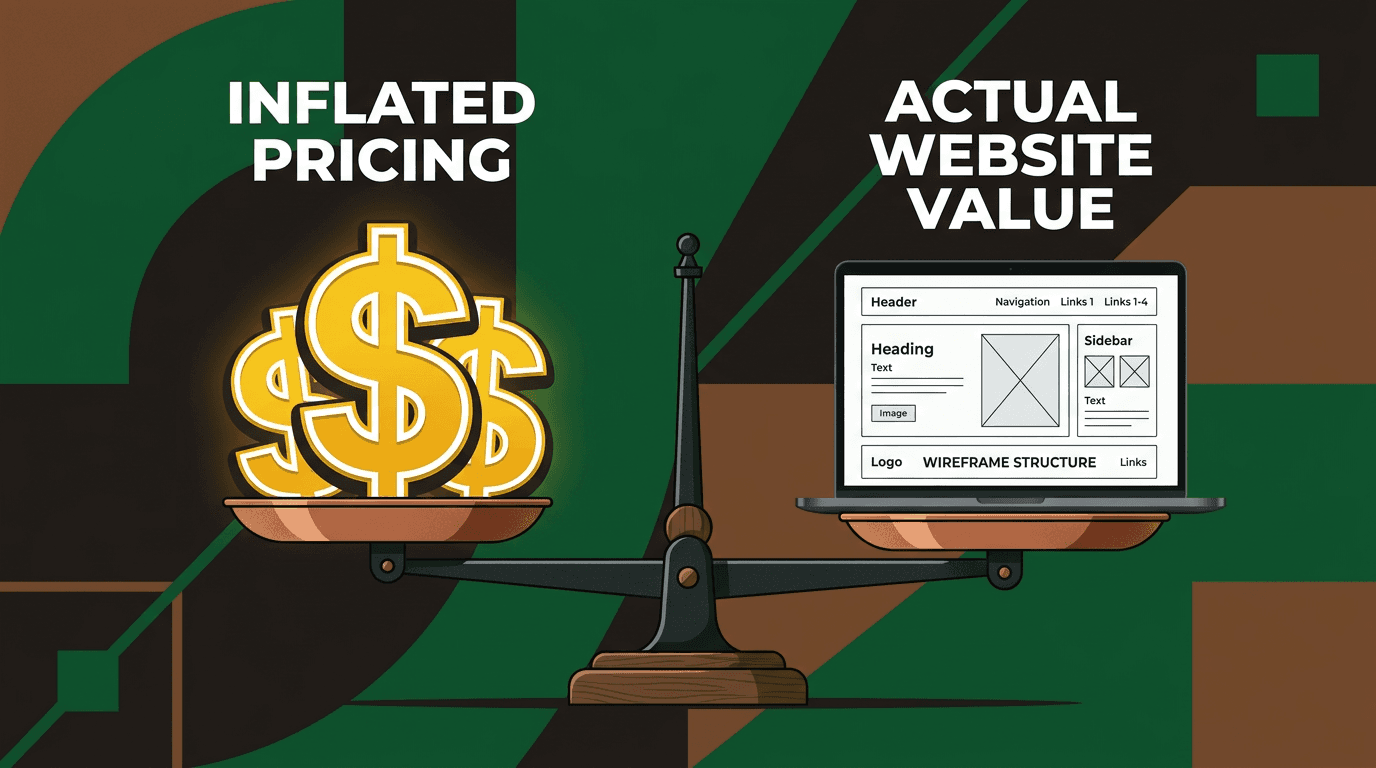
Here's what matters: A $7,000 redesign that bumps your conversion rate from 2% to 4% on 3,000 monthly visitors means 60 additional leads per month instead of 30. At $500 average customer value, that's an extra $15,000 in monthly revenue. Your site pays for itself in three weeks.
But only if you make specific, measurable changes that actually convert visitors into customers.
Why generic web design advice fails small businesses
Most design recommendations treat a local plumber the same as a SaaS company. They give you abstract goals like "create trust" without explaining where to place testimonials, what they should say, or how much conversion lift you can expect.
"Use clear calls-to-action" is useless advice. Where exactly should those buttons go? What copy converts best for service businesses? How much will professional implementation cost?
This article gives you three things most design guides skip: specific placement guidance, realistic cost of professional website design, and measurable conversion benchmarks. No fluff about "brand experience." Just changes you can make this month that put more leads in your pipeline next month.
What conversion actually means for local businesses
Forget e-commerce checkout rates. For service businesses, conversion means phone calls, contact form submissions, quote requests, and appointment bookings.
Industry data shows the average conversion rate across industries sits between 2.9% and 3.2%. But optimized landing pages hit 11.9%.
Even a 0.5% improvement creates massive impact at the local level. If your site gets 2,000 visits monthly and converts at 1.5%, that's 30 leads. Bump it to 3% and you've doubled your pipeline without spending another dollar on ads.
The math scales fast. At 5,000 monthly visits, that same percentage increase means 75 additional leads monthly.
Layout decisions that actually generate calls
Put your value statement above the fold, not your logo
Your homepage needs three elements visible without scrolling: a headline with clear benefit, a subheadline with specificity, and your primary call-to-action.
"We Fix AC in Phoenix — Same-Day Service, No Overtime Charges" beats "Welcome to Cool Air Solutions" every time. The first version tells visitors exactly what they get and why they should choose you. The second tells them nothing useful.
White space around your value statement increases comprehension by up to 20%. Don't cram everything together. Let your main message breathe.
Single-column content flows convert better on mobile
Over 60% of your traffic comes from mobile devices. Two-column layouts create horizontal scrolling and split attention between competing elements.
Single-column flows eliminate cognitive load. Visitors scroll down one clear path, consuming information in the order you designed. No decisions about where to look next.
Touch-friendly buttons require minimum 44x44 pixel tap targets. Smaller buttons create frustration and abandoned sessions. Bigger buttons get more clicks.
The difference between a cluttered multi-column mobile layout and a clean single-column flow can mean 20-30% fewer abandoned sessions.
Strategic CTA placement (and why more isn't better)
Place your primary CTA above the fold, repeat it after each major content section, and include it in a sticky header on mobile.
One primary action per page. Call, fill form, or book appointment — pick one. Don't split attention between competing goals.
Secondary CTAs like "Learn more about our process" can support your primary goal, but they should never compete with it visually or positionally.
A/B testing data shows sites with a single focused CTA per page consistently outperform multi-CTA pages, with conversion lifts averaging 12%.
Social proof that moves the needle
Displaying 11-30 reviews creates a 68% conversion boost compared to pages without reviews. But placement matters more than quantity.
Put testimonials directly adjacent to CTAs, not buried on a separate "Reviews" page. Visitors need social proof at the moment they're deciding whether to contact you.
Use real names, locations, and specific outcomes. "They fixed our roof in two days and cleaned up everything perfectly" outperforms "Great service!" by massive margins.
Include Google review stars with schema markup. This displays star ratings in search results, increasing click-through rates before visitors even reach your site.
Copy patterns that turn visitors into leads
Write headlines like answers, not introductions
Address the visitor's immediate question or pain point in your H1. Skip the introductory fluff.
Follow this pattern: [Outcome] + [Location] + [Differentiator]. "Affordable Plumbing Repairs in Dallas — Available Weekends" tells visitors exactly what they get and why you're different in eleven words.
Use natural, conversational language. This helps with voice search optimization while making your content more accessible to actual humans.
The Problem-Agitate-Solve framework for service pages
Start by naming the visitor's pain: "Your AC died in July." This creates immediate connection with anyone experiencing that exact problem.
Make the stakes real: "Every hour without cooling costs you comfort and could damage your home's electronics." Don't just acknowledge the problem — help them feel the urgency.
Present your service as the clear fix, followed immediately by your CTA. No lengthy explanations about your company history or abstract quality promises.
Keep paragraphs to 2-3 sentences maximum. Use bullet points for scannable details. Most visitors skim, they don't read word-for-word.
Location-based language that ranks and converts
Weave city and neighborhood names naturally into headings, body copy, and meta descriptions. This improves local search rankings while building trust with nearby visitors.
Create location-specific service pages instead of one generic "Services" page. "HVAC Repair in Plano" converts better than "HVAC Repair" for Plano-based searches.
Include local testimonials and geographic trust signals. Mentions of local business associations, chamber memberships, or local press coverage build credibility with area customers.
Speed and performance that pays for itself
Why 2-second load times are business decisions
Performance studies show sites loading under 2 seconds see 2.5x higher B2C conversions and 5x higher B2B conversions compared to slower sites.
Every additional second of load time drops conversions exponentially. A site that takes 4 seconds to load converts at roughly half the rate of a 2-second site.
Practical fixes include compressing images to WebP formats, minimizing CSS and JavaScript files, implementing a content delivery network (CDN), and adding lazy loading for below-the-fold content.
Check your Core Web Vitals scores (Largest Contentful Paint, Interaction to Next Paint, and Cumulative Layout Shift). These metrics directly affect both Google rankings and user experience.
SSL, hosting, and invisible trust signals
An SSL certificate (the "https" in your URL) is baseline table stakes. Visitors and Google both penalize sites without it.
Reliable hosting matters for conversion rates, not just uptime. Shared hosting works for low-traffic sites, but managed WordPress hosting delivers better performance for businesses serious about lead generation.
Hosting costs run $10-$50 monthly for most small businesses on shared plans, or $50-$150 monthly for managed WordPress hosting with better speed and support.
Real website design costs and ROI
DIY builders: $0-$50/month
Platforms like Wix, Squarespace, and WordPress.com work best for solopreneurs and brand-new businesses testing an idea.
Template constraints limit conversion optimization options. You get decent-looking sites but fewer tools for A/B testing CTAs, customizing forms, or implementing advanced tracking.
The hidden cost is your time. Plan on 10-40+ hours to build and maintain a DIY site properly.
Freelance designers: $1,500-$4,000
Most freelancers charge $75-$150 per hour and work best for service businesses needing clean, functional 5-10 page sites.
You typically get custom design on WordPress, basic SEO setup, and mobile responsiveness.
You typically don't get strategy consulting, professional copywriting, or ongoing optimization guidance. The site looks good but may not convert well without additional strategic input.
Small agencies: $6,000-$12,000+
This range works best for businesses ready to treat their website as a lead generation tool, not just an online brochure.
Expect a strategy session, wireframing, custom design, professional copy guidance, SEO foundation, and post-launch support.
The $8,500-$10,000 range represents the sweet spot for strategy-driven, conversion-focused sites that balance custom design with proven optimization practices.
Ongoing costs you should budget for
Hosting and domain registration: $15-$150 monthly depending on your performance requirements.
Maintenance and updates: $50-$200 monthly or $600-$3,000 annually for security updates, content changes, and technical maintenance.
Budget separately for A/B testing, quarterly UX audits, and major content updates as your business evolves.
What to do after your site goes live
Set up heatmaps and session recordings
Tools like Hotjar or Microsoft Clarity (free) show you exactly where visitors click, scroll, and abandon your site.
Use this data to identify friction points within your first 30 days live. You'll often discover visitors trying to click non-clickable elements or abandoning forms at specific fields.
A/B test one thing at a time
Start with your primary CTA: test button color, copy, and placement individually.
Landing page testing yields an average 12% conversion lift, but you need patience for statistical significance.
You don't need huge traffic volumes. Even 500 visits monthly can produce directional data over 4-6 weeks of testing.
Run quarterly UX audits
Check Core Web Vitals, mobile rendering, and form functionality every 90 days. Technology changes fast, and small issues compound over time.
Review your analytics for pages with high traffic but low conversion rates. These represent your biggest optimization opportunities.
Update testimonials, pricing, and service descriptions as your business evolves. Stale content reduces trust and conversion rates.
Design is a business decision, not an art project
Every design choice should serve a measurable business purpose. Beautiful sites that don't generate leads are expensive decorations.
A $7,000 website redesign that improves your conversion rate from 2% to 3.5% on 4,000 monthly visitors means 60 additional leads per month. At $400 average customer value, that's $24,000 in additional monthly revenue.
The site pays for itself in two weeks.
Start by auditing your current site against the strategies in this article. Where's your primary CTA placed? How fast does your mobile site load? Are your testimonials adjacent to your contact forms?
Fix the biggest gaps first. You don't need a complete redesign to see meaningful conversion improvements. Often, strategic adjustments to CTA placement and copy can double your lead generation within 30 days.
Ready to turn your website into a lead generation machine? Start with one change this week: move your best testimonial right next to your primary call-to-action button. Then measure what happens to your conversion rate over the next 30 days.