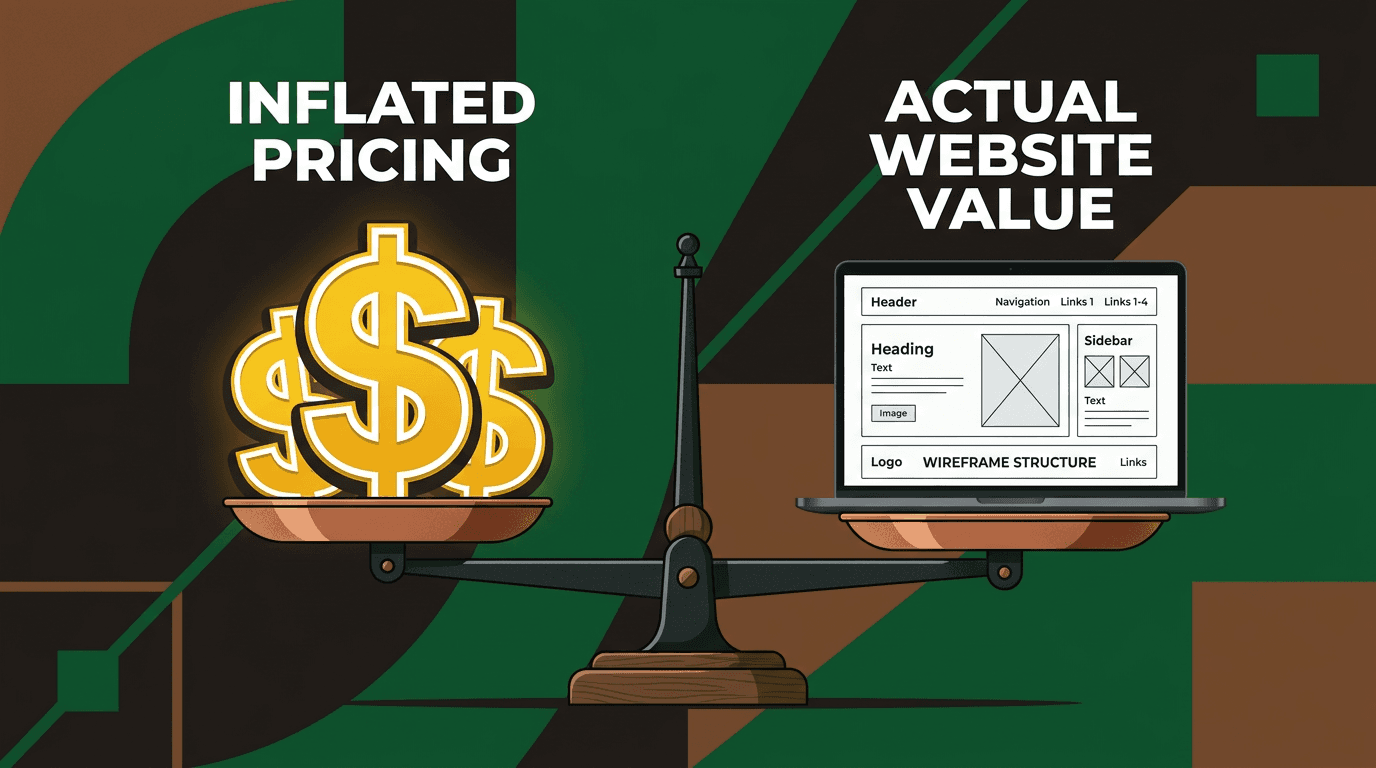
Stop Overthinking Your Small Business Website
You've had 47 browser tabs open for three weeks. Squarespace versus WordPress versus Wix. You've bookmarked 12 "ultimate comparison" articles and watched eve...
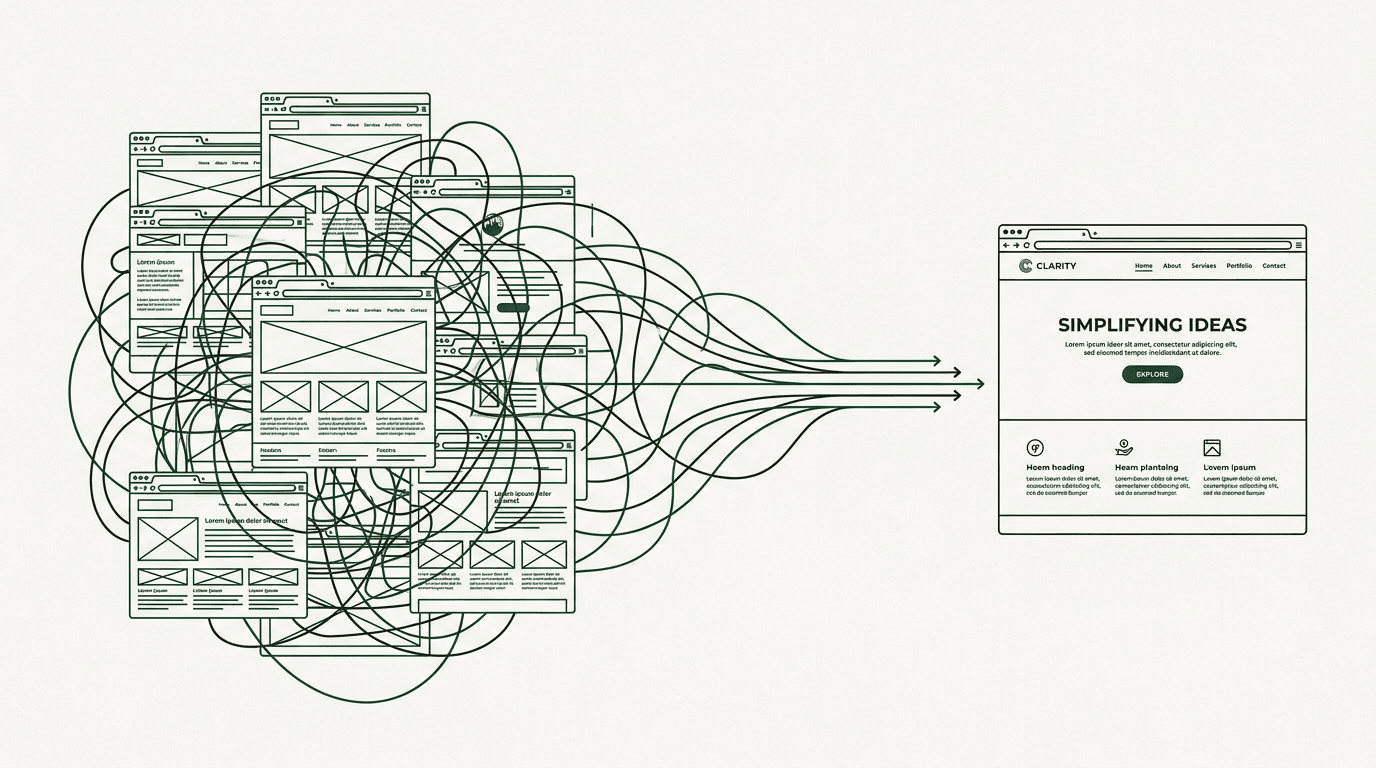
You've had 47 browser tabs open for three weeks. Squarespace versus WordPress versus Wix. You've bookmarked 12 "ultimate comparison" articles and watched every YouTube review. Your notepad has a growing list of features you "might need someday."
You still don't have a website.
This isn't a knowledge problem. You have enough information to build 10 websites. This is overthinking paralysis, and it's costing you real money every week you delay.
Here's the truth: 56% of consumers won't trust a business without a website. While you're debating color schemes and platform features, potential customers are finding your competitors instead. You don't need the perfect website. You need a live one.
I'm going to cut through the noise, give you a framework that works, and show you exactly how to launch something that converts visitors into customers. No more research. No more comparison shopping. Just a clear path from where you are now to a website that's live and working for your business.
Why you're stuck (and why it's not your fault)
The paradox of too many options
Decision fatigue is scientifically proven. When psychologist Barry Schwartz studied choice overload, he found that too many options make people less likely to choose anything at all. The website industry has weaponized this against you.
Six major platforms. Hundreds of templates per platform. Thousands of "best practices" articles that contradict each other. Every platform's marketing is designed to make their competitors look inadequate. The more you research, the less confident you feel about any single choice.
Wix shows you drag-and-drop simplicity, then you read that "serious businesses use WordPress." WordPress promises flexibility, then you discover you need to learn PHP. Squarespace looks beautiful until someone mentions that Shopify is better for e-commerce.
The comparison trap
You're comparing your future site to Apple.com. Or Nike.com. Or that competitor who's been in business for 15 years and just redesigned their site for the third time.
Reality check: Your customers aren't comparing you to Apple. They're comparing you to having no website at all. When someone searches for "plumber near me" or "divorce attorney downtown," they're not expecting award-winning web design. They want to know you exist, you're legitimate, and how to contact you.
A recent study found that 84% of consumers believe having a website makes a business more credible. Your bar for success isn't visual perfection. It's basic professional presence.
The real cost of waiting
Let's call this the "overthinking tax." Small businesses without websites lose an average of $17,000 in annual revenue compared to those with basic online presence. Businesses with websites are 40% more likely to grow year-over-year.
Every week without a site is a week of missed leads. Missed credibility. Missed revenue. You're not saving money by researching for another month. You're hemorrhaging opportunities.
Small business web design tips that actually matter
Stop reading generic listicles. Here are the only design principles that move the needle for small business websites:
1. Mobile-first or don't bother
65% of web traffic comes from mobile devices. Google indexes mobile versions first. If your site doesn't work on a phone, it might as well not exist.
Responsive design isn't optional anymore. It's like asking whether your store should have a door. Test every page on your actual phone before you launch. If you can't easily read the text or tap the buttons with your thumb, neither can your customers.
2. Five pages. That's it.
Here's your Minimum Viable Website: Home, About, Services/Products, Contact, and one page of social proof (testimonials or portfolio). That's it.
You don't need a blog on day one. You don't need a booking system on day one. You don't need separate pages for every service variation. You need to be findable and credible. Everything else is iteration.
3. Clear navigation over clever navigation
Simple menu. Obvious labels. No creative names for standard pages. "About" works better than "Our Story." "Services" beats "What We Do."
Users should find what they need in two clicks or less. Dropdowns with 30 items make you look disorganized, not comprehensive.
4. One clear call-to-action per page
Every page should answer one question: What do you want the visitor to do next? Call, book, buy, email. Pick one per page and make it obvious.
Your homepage button should say "Schedule Consultation," not "Learn More." Your services page should end with "Get a Quote," not "Contact Us for Information." Be specific about the next step.
5. Fast load speed is non-negotiable
Compress your images. Choose reliable hosting. Skip the auto-playing video on your homepage. 53% of mobile users abandon sites that take longer than three seconds to load.
Core Web Vitals matter for Google rankings and keeping visitors from bouncing. Most website platforms handle speed optimization automatically, but test yours anyway.
6. Real photos beat stock photos
A photo of your actual shop, your actual team, your actual work beats generic stock imagery every time. People buy from people, not from businesses.
If you can't afford a photographer, a well-lit smartphone photo is better than a stock handshake image. Authenticity converts better than polish.
Professional website design cost: What you'll actually pay in 2026
Stop hunting for "average website cost" articles. Here's what you'll actually spend based on your situation:
| Provider Type | Cost Range (2026) | Best For | Typical Timeline | |---|---|---|---| | DIY (Squarespace, Wix) | $0–$2,000 + $15–$60/mo | Solo businesses, quick launches, tight budgets | 1–2 weekends | | Freelancer | $1,500–$10,000 | Custom look without agency overhead | 2–6 weeks | | Agency | $5,000–$15,000+ | Strategy + design + SEO, established businesses | 4–12 weeks | | Custom/Enterprise | $15,000–$100,000+ | Complex e-commerce, integrations, high-traffic sites | 3–6+ months |
What's usually not included in the sticker price
- Hosting: $15–$200/month
- Maintenance/updates: $50–$300/month (or your own time)
- Domain renewal: $12–$25/year
- Apps/plugins: $0–$150/month
- Content creation: $500–$5,000+
Budget for ongoing costs, not just the initial build. The true cost of ownership is typically 1.5x the initial development cost over two years.
How to match your budget to your business
Stop reading generic advice. Here's the opinionated decision tree:
Local service business (plumber, salon, consultant): Template-based site, $500–$2,000. Squarespace or WordPress with a simple theme. You don't need custom code. Launch this month.
Product-based business (e-commerce): Shopify or WooCommerce, $2,000–$8,000. More complexity is justified because you're selling directly. Invest in good product photography and checkout optimization.
Professional services (law, finance, healthcare): Budget $3,000–$10,000 for polished design with strong copy. Credibility matters more in regulated industries. Your website is your office lobby.
Local SEO focus: Budget $2,000–$5,000 for a site with local SEO built in from day one. Focus on location pages, Google Business Profile integration, and review management.
A $2,000 template site for a local service business converts just as well as a $10,000 custom build in most cases. Spend the difference on marketing.
When DIY is a bad idea
Be honest with yourself. If your time is worth $100+ per hour and you're spending 40 hours fumbling with a website builder, you didn't save money. You lost $4,000 in opportunity cost.
If your business depends on trust and credibility, a cheap-looking site costs you clients. If you need complex functionality like booking systems, member portals, or e-commerce with variants, hire someone who knows what they're doing.
The minimum viable website: Your launch checklist
The Minimum Viable Website (MVW) is the smallest version of your site that can credibly represent your business and convert visitors into leads or customers.
☐ Homepage — Who you are, what you do, who you serve, and one clear CTA ☐ About page — Your story, your face, why you're credible ☐ Services/Products page — What you offer with clear descriptions ☐ Contact page — Phone, email, form, address/service area, hours ☐ Social proof — At least 3 testimonials, case studies, or portfolio examples ☐ Mobile-responsive on actual devices ☐ Page load under 3 seconds ☐ SSL certificate active ☐ Google Business Profile linked ☐ Basic analytics installed (Google Analytics or similar)
If you have these 10 items checked, you're ready to launch. Everything else is iteration.
Pick a platform and move on
Stop comparing 15 platforms. Here's the fast answer:
Squarespace → Best for service businesses, portfolios, and anyone who wants polish without touching code. Beautiful templates. Excellent mobile experience. $18–$40/month.
WordPress → Best if you need maximum flexibility, plan to blog heavily, or want lots of plugin options. Steeper learning curve. Requires separate hosting. $10–$100/month total.
Shopify → Best for selling physical products online. Don't use it if you're not doing e-commerce. $39–$399/month.
Wix → Easiest drag-and-drop builder. Good for getting live fast. Less flexibility long-term. $16–$59/month.
Webflow → Best for design-focused businesses who want custom without developer costs. Steeper learning curve than Squarespace. $23–$39/month.
Any of these will work. The worst choice is no choice. Pick one this week.
Your first 30 days after launch
You launched. Congratulations. Now what? Most guides stop at launch. That's like buying a car and never changing the oil.
Week 1: Set up tracking and monitoring
Install Google Analytics and Google Search Console. Set up basic conversion tracking for phone calls and form submissions. You need baseline metrics before you can improve anything.
Connect your site to your Google Business Profile. Submit your sitemap to search engines. Set up basic uptime monitoring so you know if your site goes down.
Week 2: Gather initial feedback
Send your site to five trusted customers or colleagues. Ask specific questions: "Can you find my phone number easily?" "Is it clear what I do?" "What would you change?"
Don't ask family members unless they're your target market. Your mom will love everything. Your business partner might actually use your services.
Week 3: Fix obvious problems
Review your analytics. Which pages have high bounce rates? Where do people drop off in your contact flow? Fix the biggest problems first.
Common issues: Contact forms that don't work, phone numbers that aren't clickable on mobile, missing business hours, unclear service descriptions.
Week 4: Plan your next iteration
Identify the biggest gap in your current site. Need more social proof? Better service descriptions? A blog for SEO? Pick one improvement and execute it.
Don't try to fix everything at once. Sustainable improvement beats perfect launches every time.
Stop researching and start building
You have everything you need to launch a website that works. The Minimum Viable Website framework. Platform recommendations. Cost expectations. A 30-day post-launch plan.
The gap between where you are now and where you need to be isn't more information. It's action. Every week without a website costs the average small business $327 in missed opportunities.
Pick a platform today. Choose a template tomorrow. Launch within two weeks. Iterate based on real user feedback, not hypothetical scenarios.
Your customers need to find you online. They're looking right now. Stop overthinking and start building.
Frequently asked questions
How long should it take to build a small business website? A DIY template-based site should take 1-2 weekends maximum. If you're hiring someone, 2-6 weeks for most small business sites. Anything longer suggests scope creep or overthinking.
What's the most important page on a small business website? Your homepage, followed closely by your contact page. If people can't figure out what you do and how to reach you, nothing else matters.
Should I include pricing on my website? If you sell standard services or products, yes. Pricing qualifies leads and saves you time. If you do custom work, show starting prices or ranges to set expectations.
How often should I update my website? Monthly for content freshness, immediately for business changes (hours, contact info, services). Major redesigns every 2-3 years or when your current site stops converting.
Do I really need a blog for my small business website? No, not on day one. Focus on getting your core pages right first. Add a blog later if you have time to maintain it consistently. Bad blogs hurt more than no blogs.